Physical Address
304 North Cardinal St.
Dorchester Center, MA 02124
Physical Address
304 North Cardinal St.
Dorchester Center, MA 02124

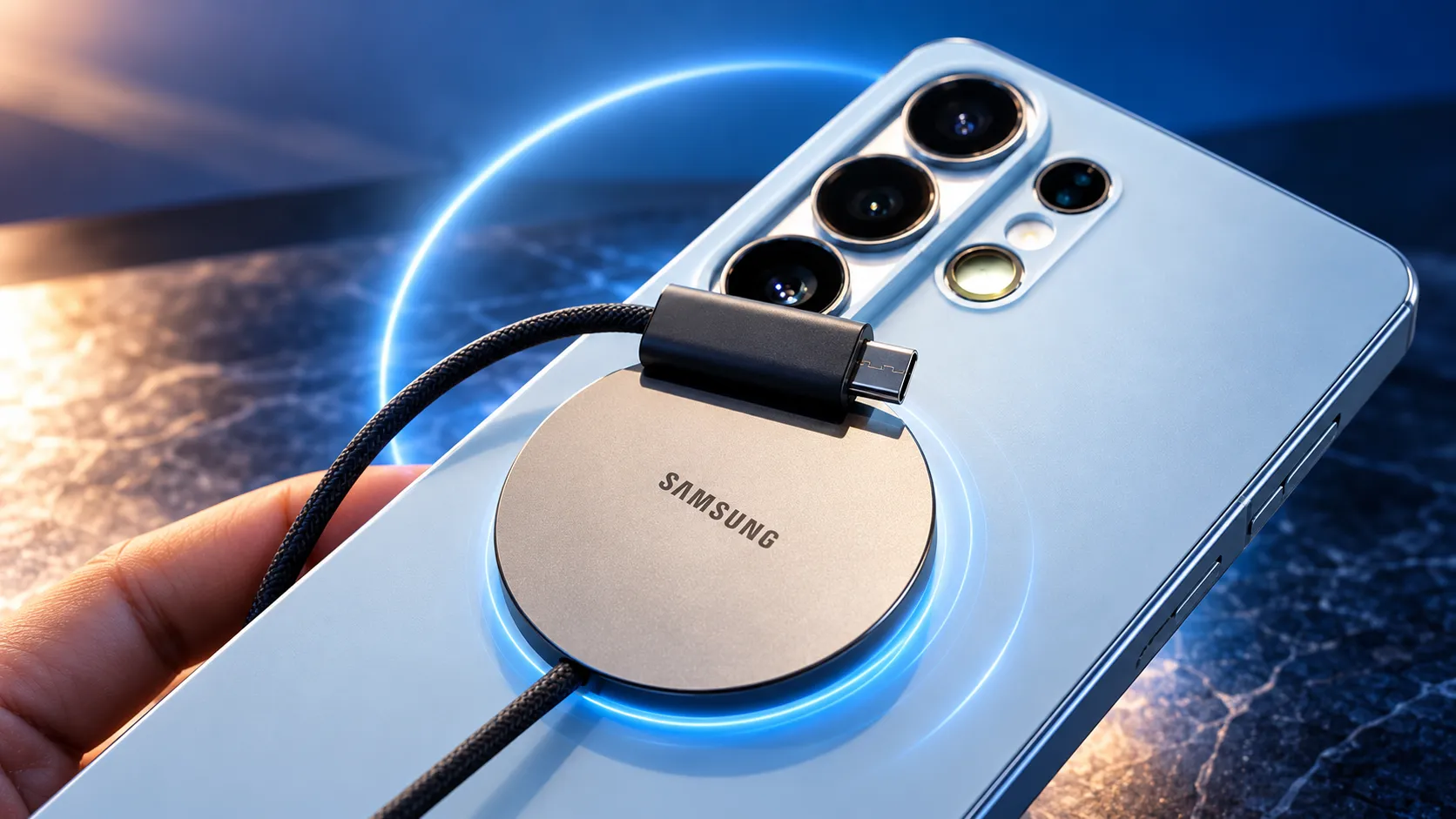
Everything you need to know about Galaxy S26 Ultra charging — how fast 60W actually is, exactly what charger and cable you need to hit full speed, how wireless and reverse charging work, and how to charge in a way that protects long-term battery health.
The Galaxy S26 Ultra is the fastest-charging Ultra yet, hitting up to 60W with the right wired charger. That means you can go from zero to about 75% in just half an hour. But here’s the part that catches almost everyone off guard: Samsung doesn’t give you a charger in the box. If you use the wrong adapter, your phone will charge much slower than it’s capable of.
In this guide, I’ll walk you through how fast the Ultra can really charge, what kind of charger you actually need to unlock that speed, how wireless charging fits into the picture, and a few tips to keep your battery happy for the long haul.
Looking for how long the battery lasts rather than how to charge it? See the battery life guide. For everything else, see the Complete Owner’s Guide.
How Fast Does the S26 Ultra Charge?
The Ultra supports these charging speeds:
A dose of honesty: 60W is a real improvement over past Ultras, but it’s mid-pack for 2026 — several rivals now push 80–120W. It’s fast enough that daily top-ups are painless; it’s just not the fastest-charging flagship you can buy.
What Charger Do You Actually Need?
Here’s where things get real: most people who think their Ultra is charging slowly are just using the wrong charger. The phone itself is fast—it just needs the right fuel.
To hit the full 60W, you need a charger that meets two requirements:
A regular 65W laptop charger without PPS won’t deliver full speed. When you’re shopping, look for “PPS” and “45W/60W+” in the specs. In practice, that means:
Our best Samsung fast chargers guide lists specific models that hit full speed, and our best S26 Ultra accessories cover cables and wireless pads.
Quick tip: pretty much any USB-C charger will work with the Ultra—even that old 25W adapter, your laptop charger, or something in the car. You won’t get the full 60W speed unless it’s PD-PPS and rated for 60W or more. For overnight charging, slower is totally fine (and actually better for your battery—more on that below).
Wireless and Reverse Charging
Wireless charging (up to 25W) is perfect for your desk or nightstand—drop your phone on a Qi pad and forget about it. It’s not as quick as wired charging and does get a bit warmer, so I’d use it for topping up rather than a full, fast charge. For the best speeds, make sure your stand or pad supports Samsung’s faster wireless charging.
Wireless PowerShare is a neat trick that turns your phone into a charging pad. Just turn it on in Settings, then rest your Buds or Watch on the back of your phone. It’s slow and drains your phone’s battery, so I’d save it for accessory emergencies, not everyday use.
Charging to Protect Battery Health
Fast charging is super handy, but it’s heat and always charging to 100% that really wear out your battery over time. Luckily, the Ultra has a built-in tool to help with this:
Settings → Battery → Battery protection
On top of that, a few simple habits can help your battery stay healthy for longer:
The full battery-health picture is in the battery life guide.
Common Charging Problems
If something feels off with charging, here are a few quick things to check before you start to worry:
The Bottom Line
The S26 Ultra’s 60W charging is seriously quick and makes daily top-ups a breeze—but only if you’ve got the right charger: 60W or more, USB PD with PPS, and a 5A cable. Nail that combo, and you’ll hardly ever be stuck waiting for a charge. For overnight, slow it down and turn on Battery Protection to help your battery last for years.
Next: pick a charger from the best Samsung fast chargers, or see the full battery life guide. Everything else is in the Complete Owner’s Guide.